Running the Project
Once both servers are up, the app’s landing page is served at the frontend URL:
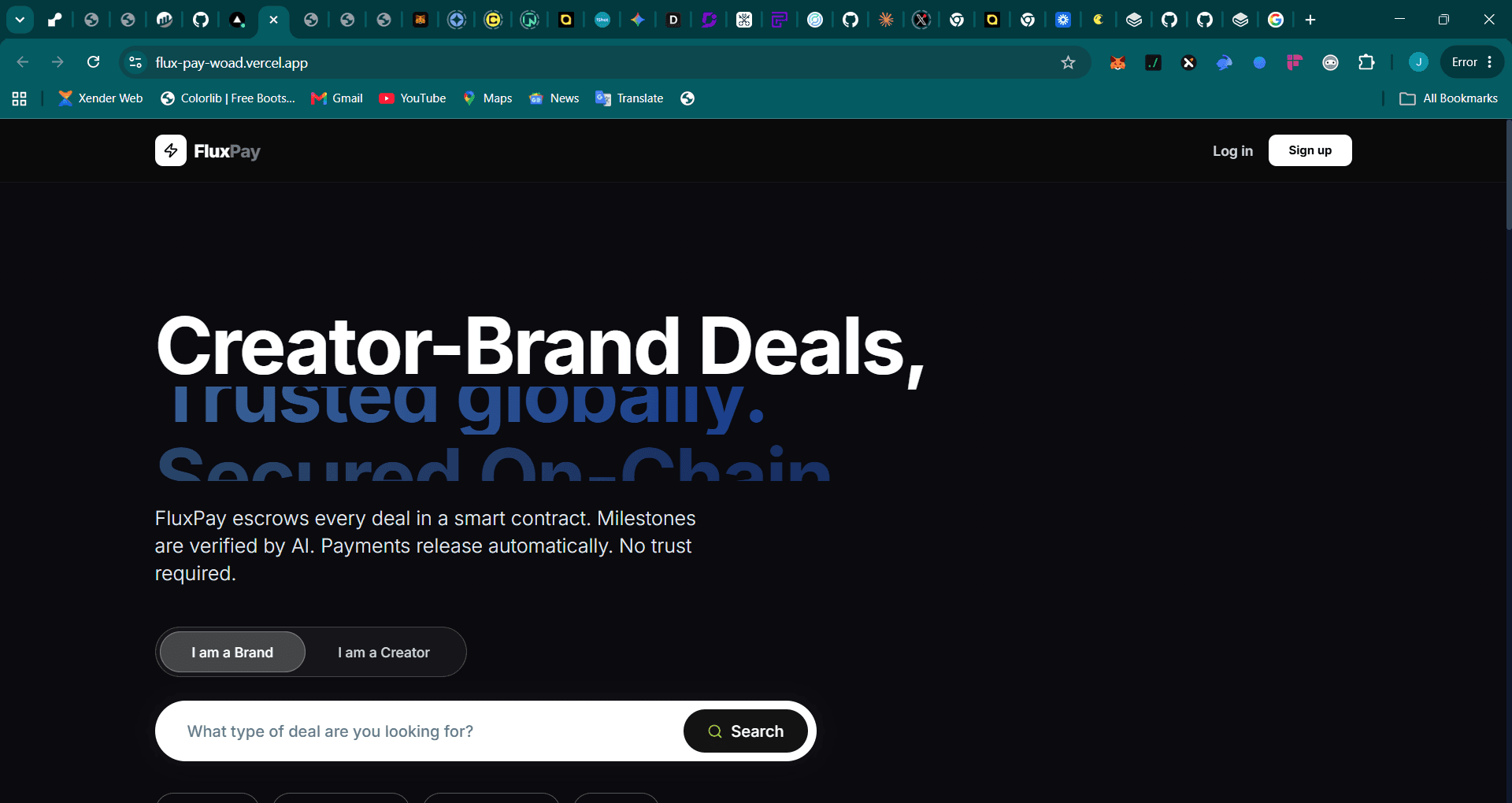
Frontend (Next.js dev server)
cd frontend
npm run dev
Available at http://localhost:3000 (or 3001 if 3000 is taken).
Backend (Node.js API)
cd backend
npm run dev
Available at http://localhost:8000 by default. Set PORT in your .env to use a different port.
Type-Checking
# Frontend
cd frontend && npx tsc --noEmit

# Backend
cd backend && npm run typecheck
Running Tests
cd backend
node --import tsx --test tests/*.test.ts
Tests use in-memory repositories — no database setup needed. They inject mocks via createApp({ skipAuth: true }).
Verifying the Setup
Once both servers are running, check the backend health:
curl http://localhost:8000/healthExpected response:
{
  "status": "ok",
  "service": "fluxpay-backend",
  "storage": "memory"
}
The storage field will show "postgres" when DATABASE_URL is configured.
Last updated on