Authentication Flow
Overview
FluxPay uses Web3Auth (MetaMask Embedded Wallets) for authentication. Users can sign in with social accounts (Google, etc.) or existing wallets, and receive a MetaMask smart account (EIP-7702).
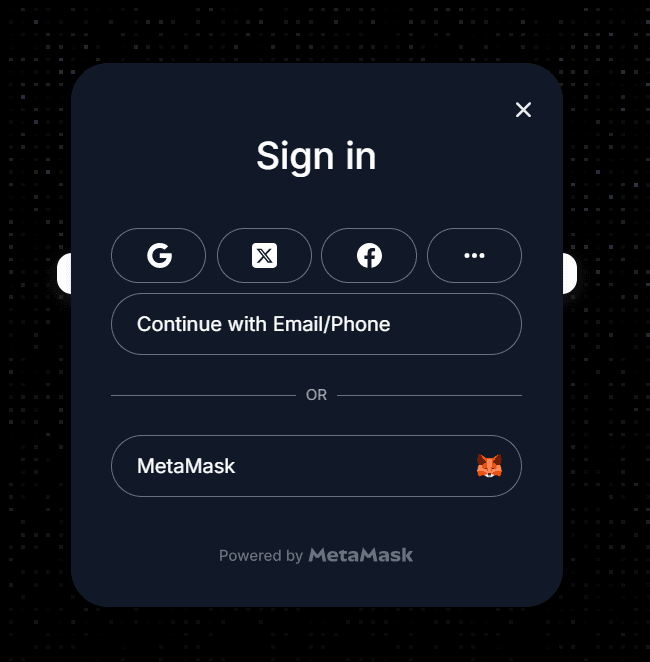
Login Sequence
- User clicks “Sign In” → Web3Auth SDK opens its modal
- User authenticates (social login, email, or external wallet)
- Web3Auth returns an
idToken(JWT) and connects the embedded wallet - Frontend sends the
idTokentoPOST /api/auth/session - Backend verifies the JWT (signature + expiry + issuer + audience)
- Backend upserts the user and returns the profile
- Frontend stores user + token in Zustand (persisted to
localStorage) - User is redirected to their role-specific dashboard
Role Selection
On signup, the frontend sends profileType ("creator" or "organization") with the session request. On subsequent logins, profileType is omitted — the backend returns the stored role.
Session Restoration
On page load, the frontend calls GET /api/auth/me with the stored bearer token to restore the session. If the token is expired or invalid, the user is logged out.
Key Files
| File | Purpose |
|---|---|
config/web3authContext.ts | Web3Auth SDK configuration |
context/WalletContext.tsx | Provider hierarchy |
hooks/useOnWeb3AuthConnected.ts | Post-login session setup |
lib/establishSession.ts | POST /api/auth/session helper |
stores/userStore.ts | Auth state (Zustand, persisted) |
Smart Account Configuration
The Web3Auth config supports MetaMask smart accounts (EIP-7702):
accountAbstractionConfig: {
  smartAccountType: 'metamask',
  smartAccountEipStandard: '7702',
  chains: aaChains, // chains with bundler URLs configured
}
Each chain that should use smart accounts needs a bundler URL (NEXT_PUBLIC_BUNDLER_*). Chains without a bundler fall back to the plain embedded EOA.
Last updated on